Countdown Widget: Days Until
Count the days until birthdays, vacations, weddings and holidays. Live animated backgrounds, free home screen widgets and reminders. Unlimited countdowns, no subscription, no account.
Get it on Google Play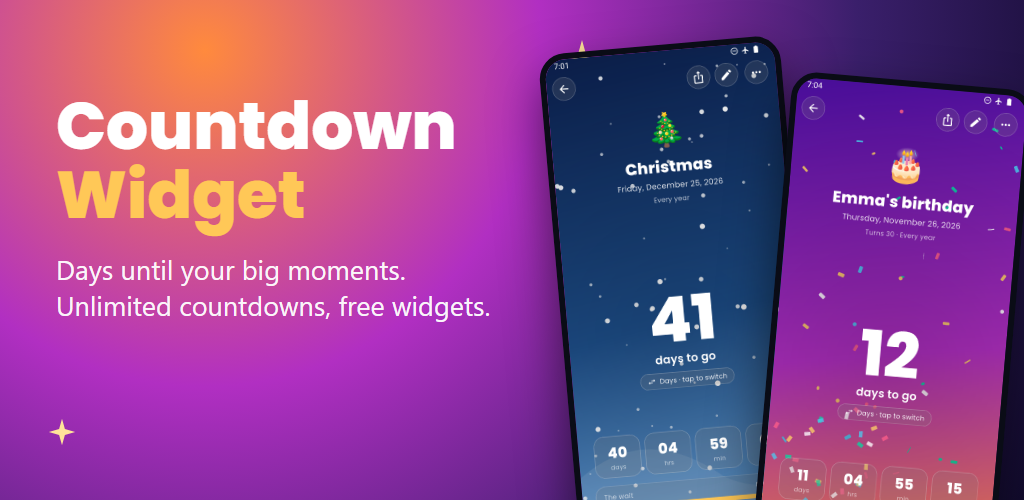
How it works
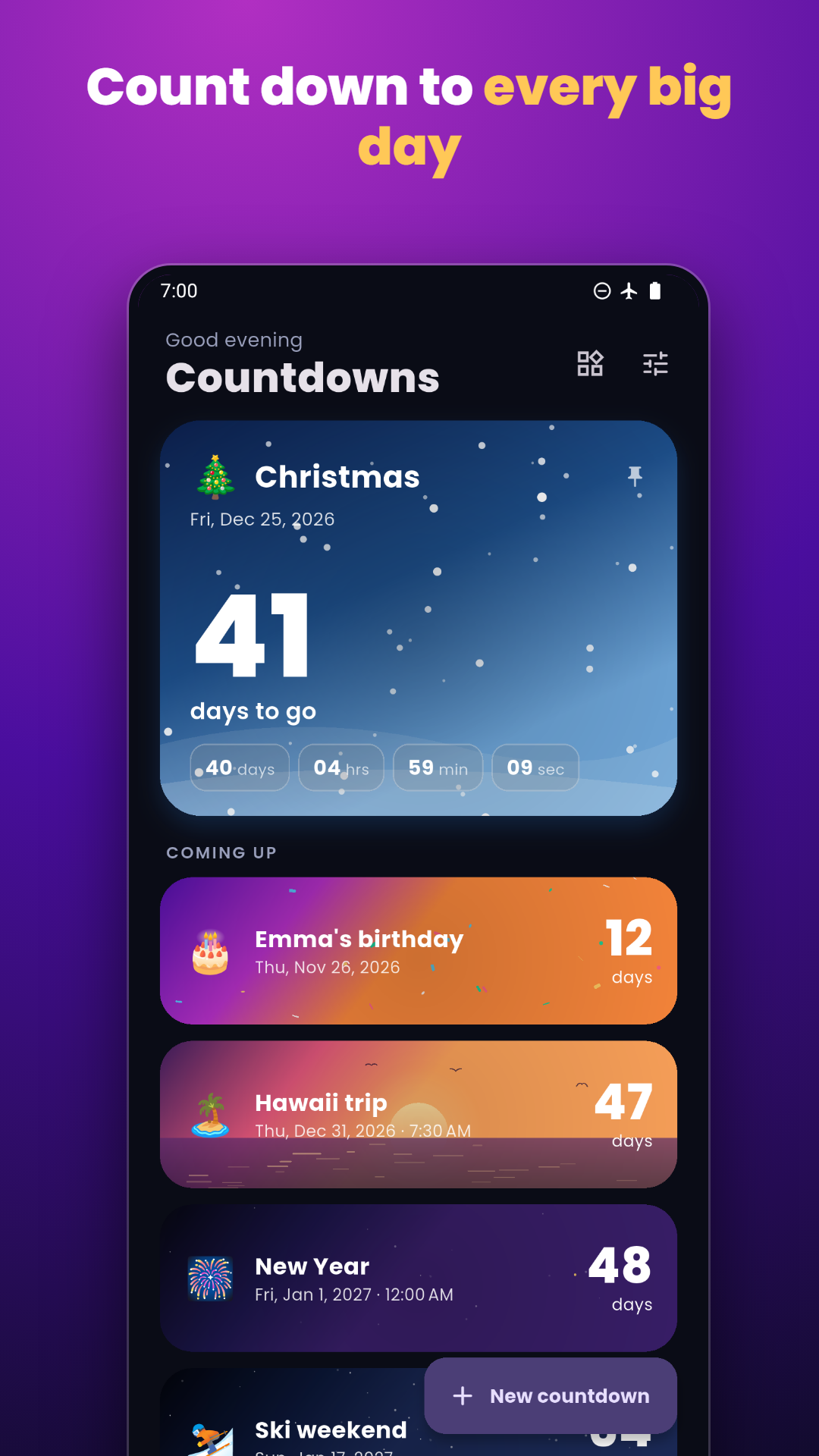
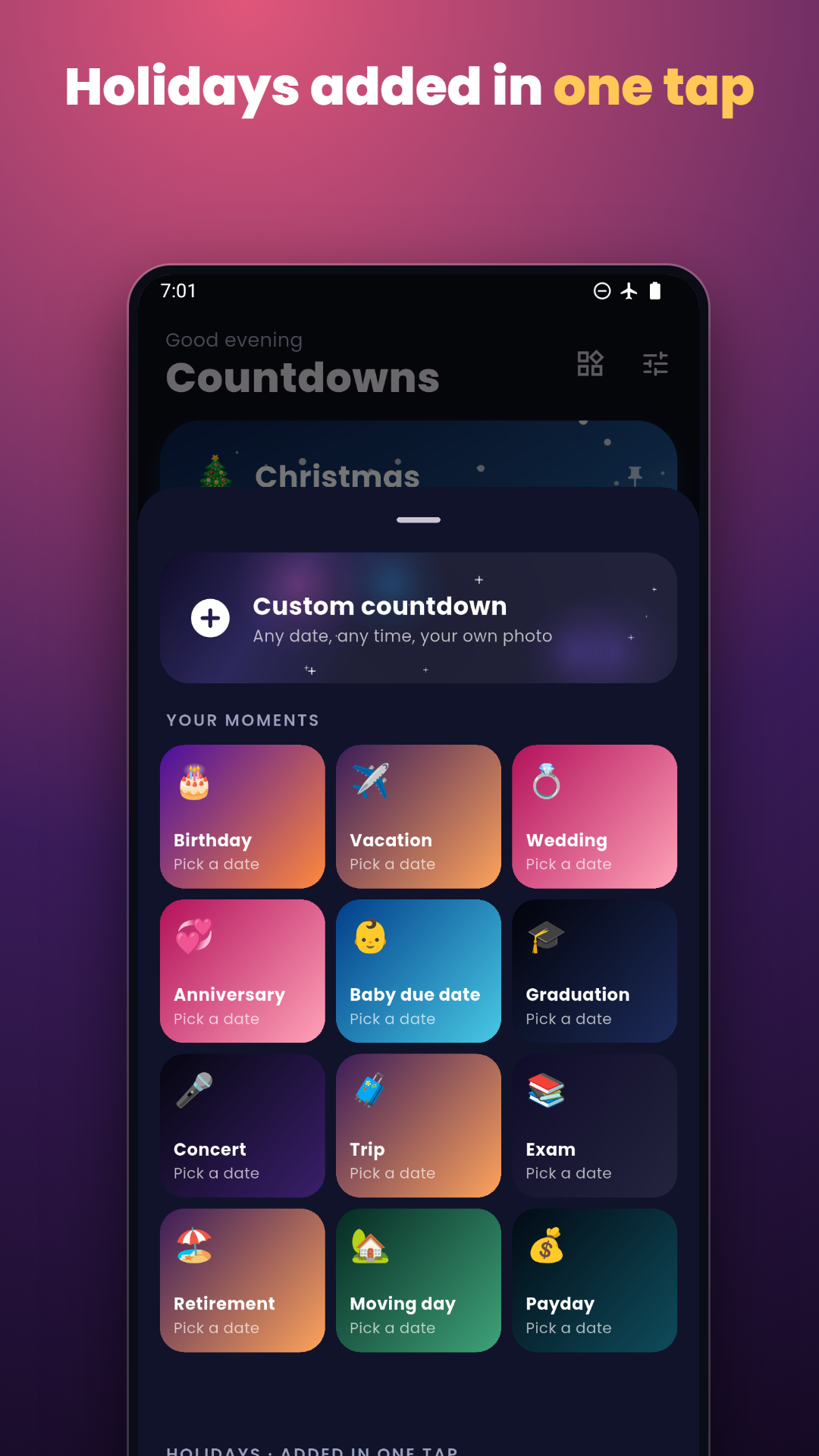
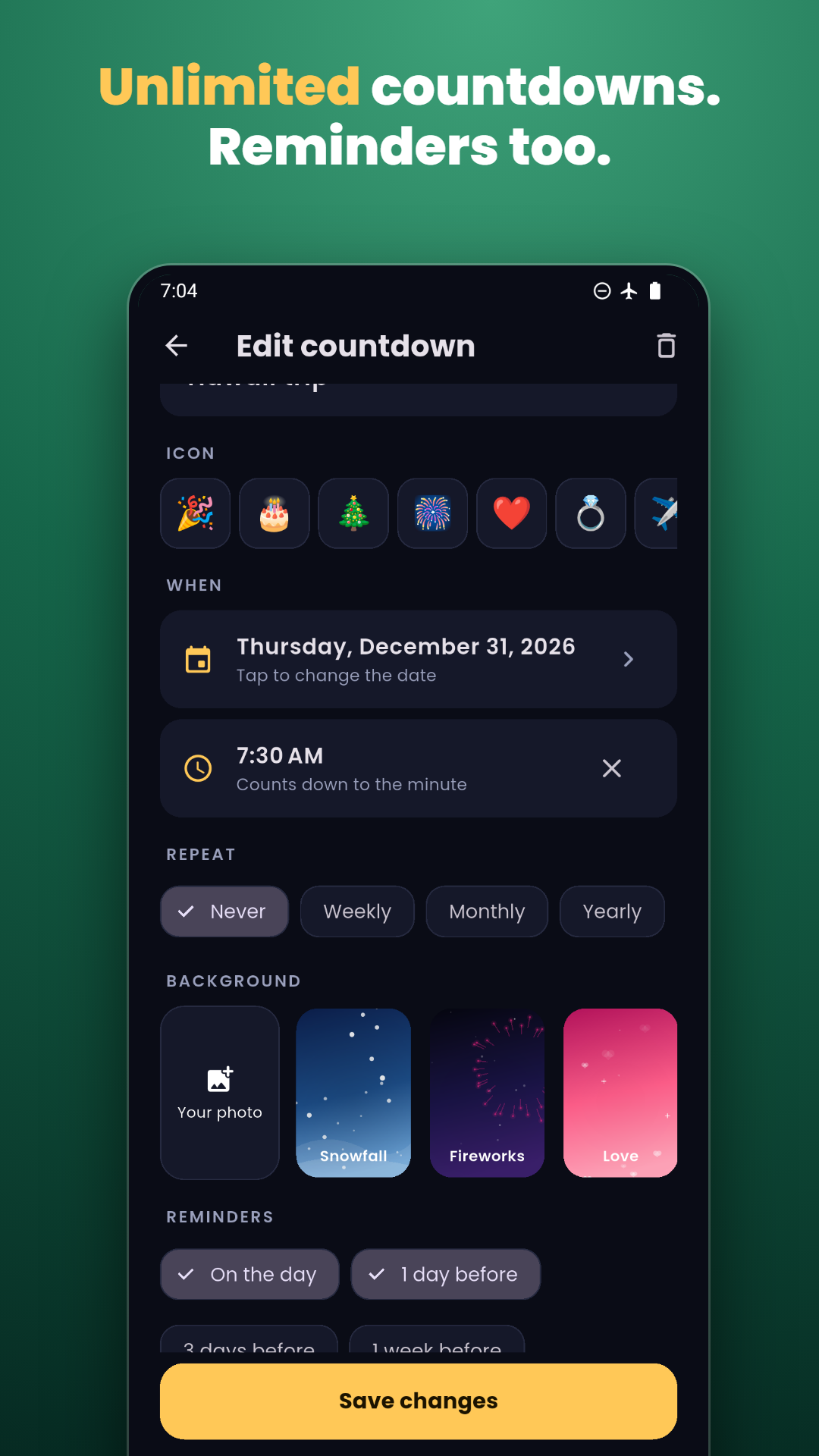
- Add a countdown. Tap New countdown, name it and pick the date. Holidays like Christmas or Thanksgiving are added in one tap.
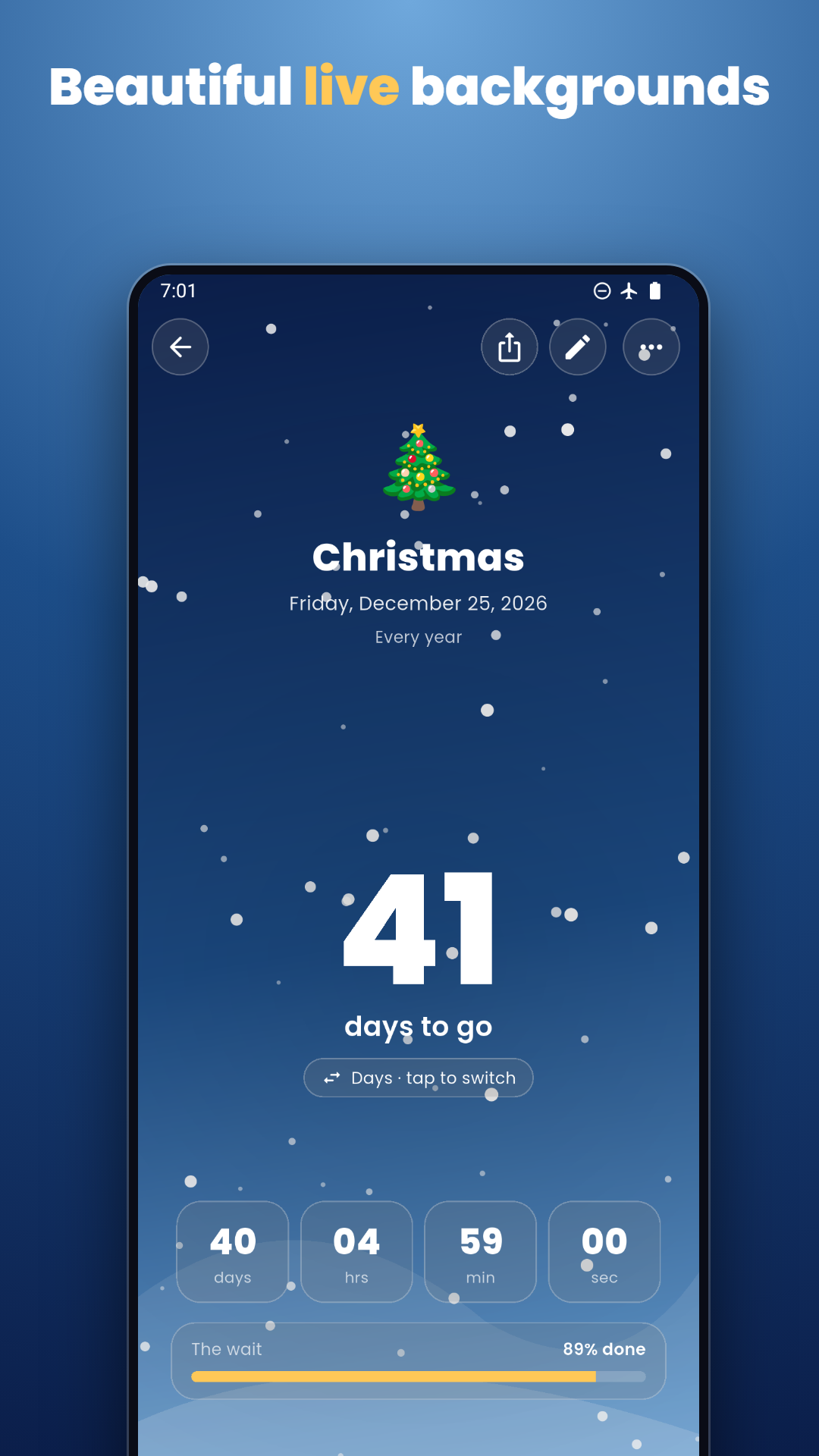
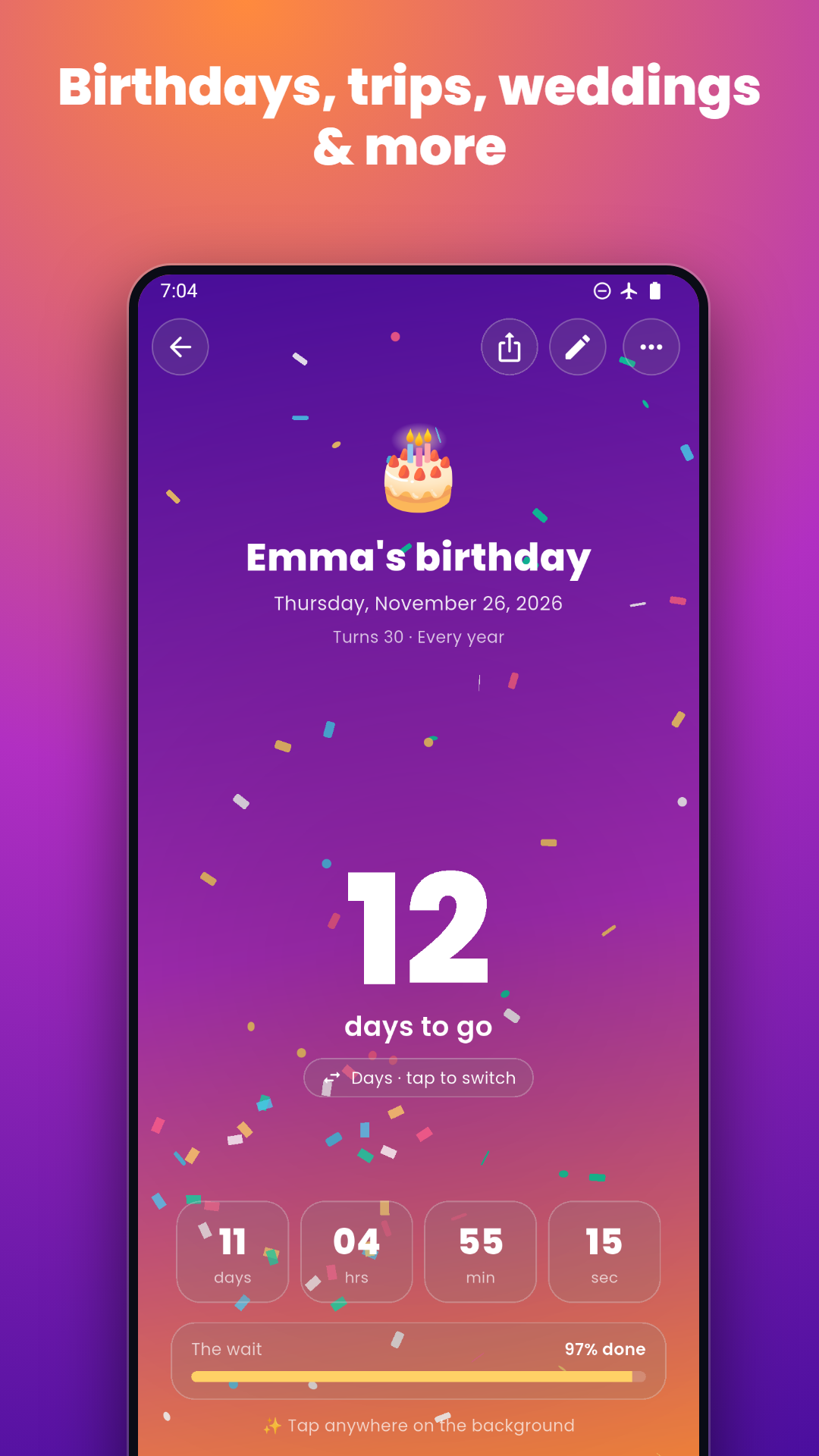
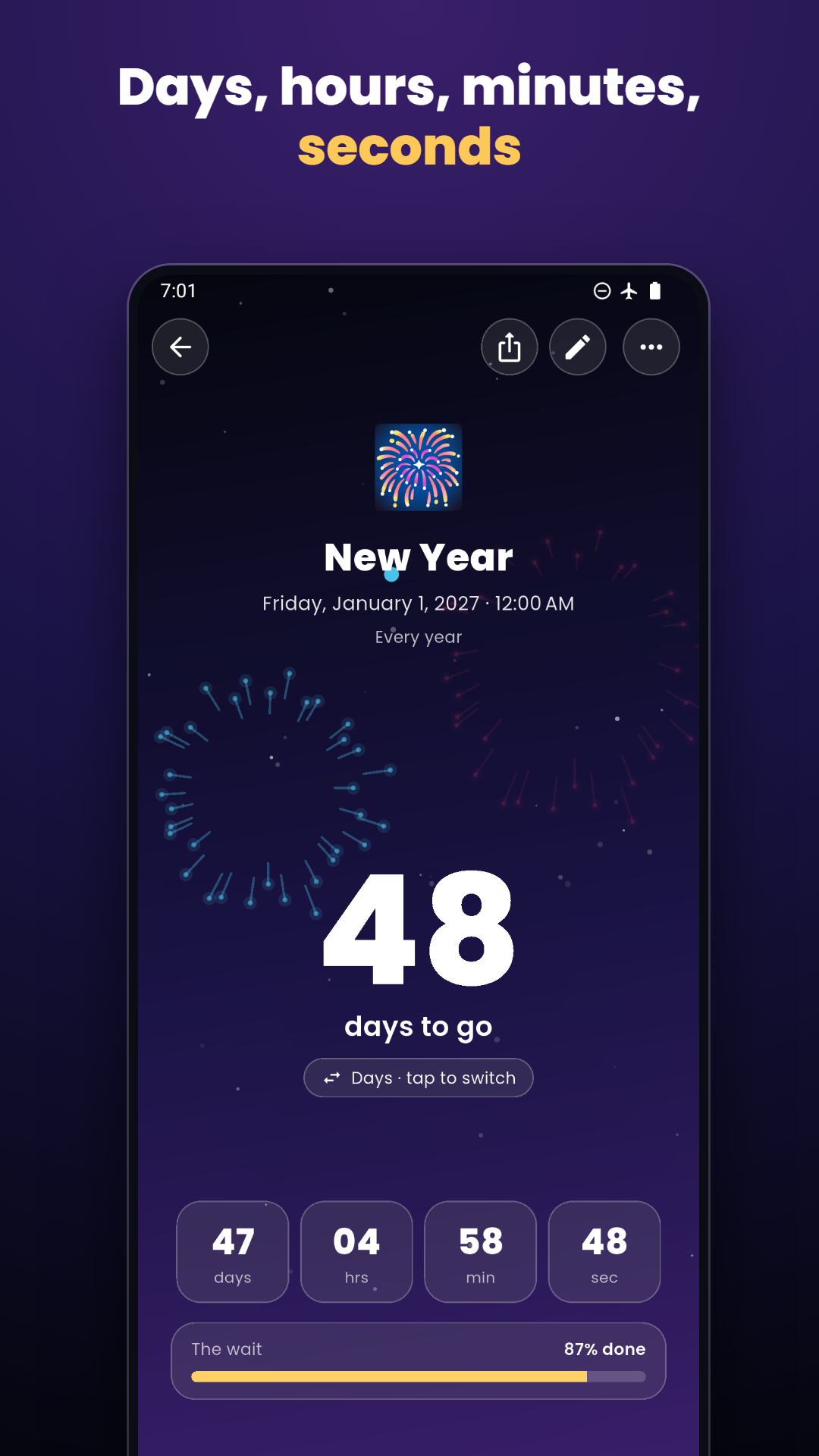
- Choose a background. Pick one of 12 live styles such as snow, fireworks or confetti, or use your own photo.
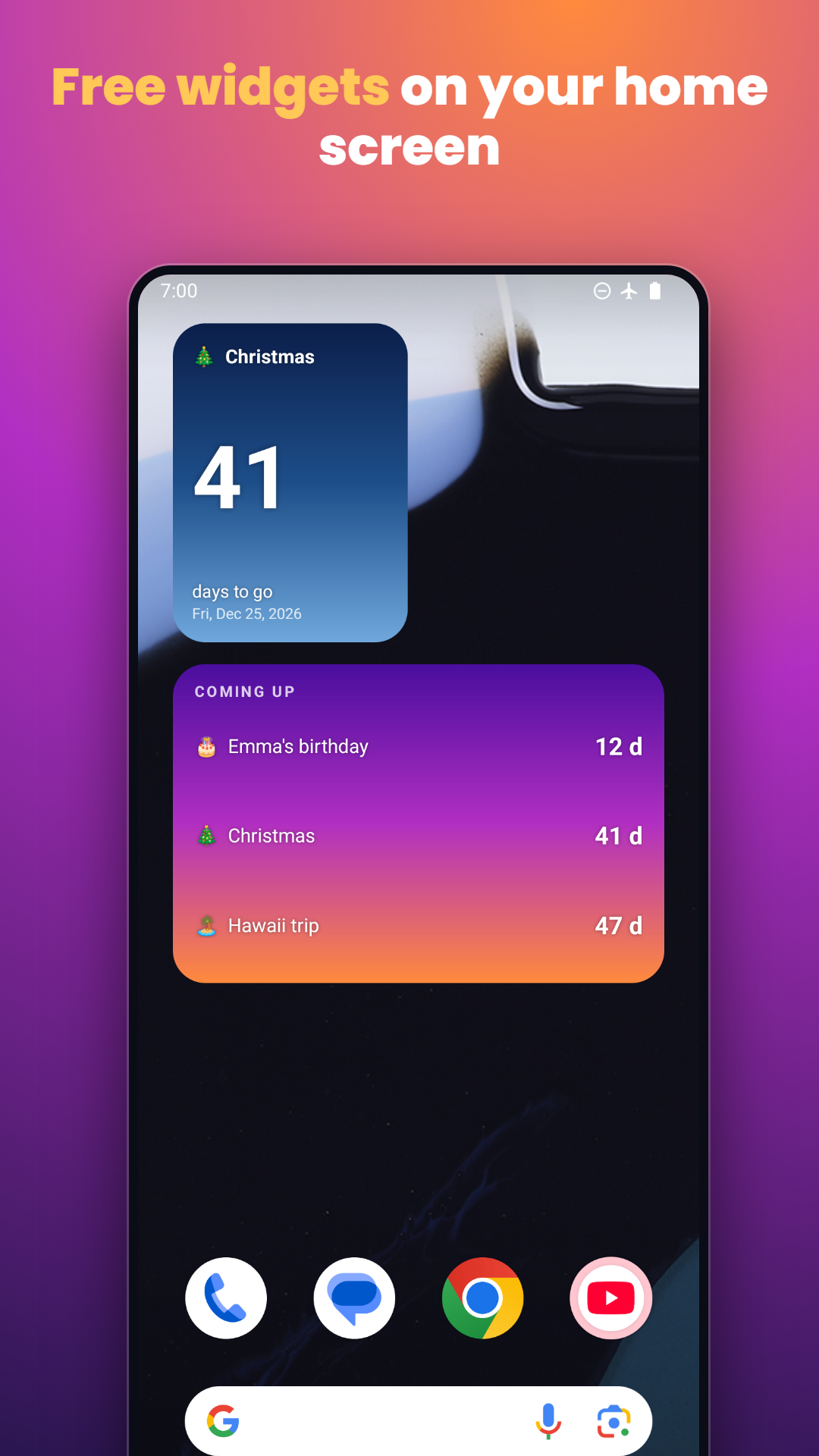
- Put it on your home screen. Add the free widget and choose which countdown it shows. It updates by itself every day.
- Get reminded. Turn on reminders for the day itself, the day before, a week or a month before.
Count it your way
| Unit | Good for |
|---|---|
| Days, weeks, months | The classic days-until counter, or split into weeks and months |
| Hours, minutes, seconds | A live timer for the final stretch |
| Sleeps | How many nights until Christmas or a birthday |
| Weekends and workdays left | For vacations, retirement and the last day of school |
| Days since | Count up from a date in the past |
What you get
- Unlimited countdowns and free widgets
- 12 live backgrounds that react when you tap them, or your own photo
- Holidays in one tap: Christmas, New Year, Thanksgiving, Easter, Halloween and more
- Yearly, monthly and weekly repeats
- Reminders on the day and before it
Frequently asked questions
Is the countdown app free?
Yes. Countdowns are unlimited and the home screen widgets are free. There is no subscription. The app shows ads.
How many countdowns can I add?
As many as you like. There is no limit on events or widgets.
How do I add a countdown widget to my home screen?
Open a countdown, tap the menu and choose Add to home screen. Or touch and hold your home screen, tap Widgets and pick Countdown. You can choose which countdown each widget shows.
Does the widget update by itself?
Yes. The widget recalculates the days left every day at midnight, even if you do not open the app.
Can I count in weeks, hours or sleeps?
Yes. Tap the big number to switch between days, weeks, months, hours, minutes, seconds, sleeps, weekends left and workdays left.
Can it count the days since a date?
Yes. Pick a date in the past and the app counts up: days since you quit smoking, since your wedding or since a first day.
Are my countdowns uploaded anywhere?
No. There is no account. Your countdowns and photos are saved only on your phone.